
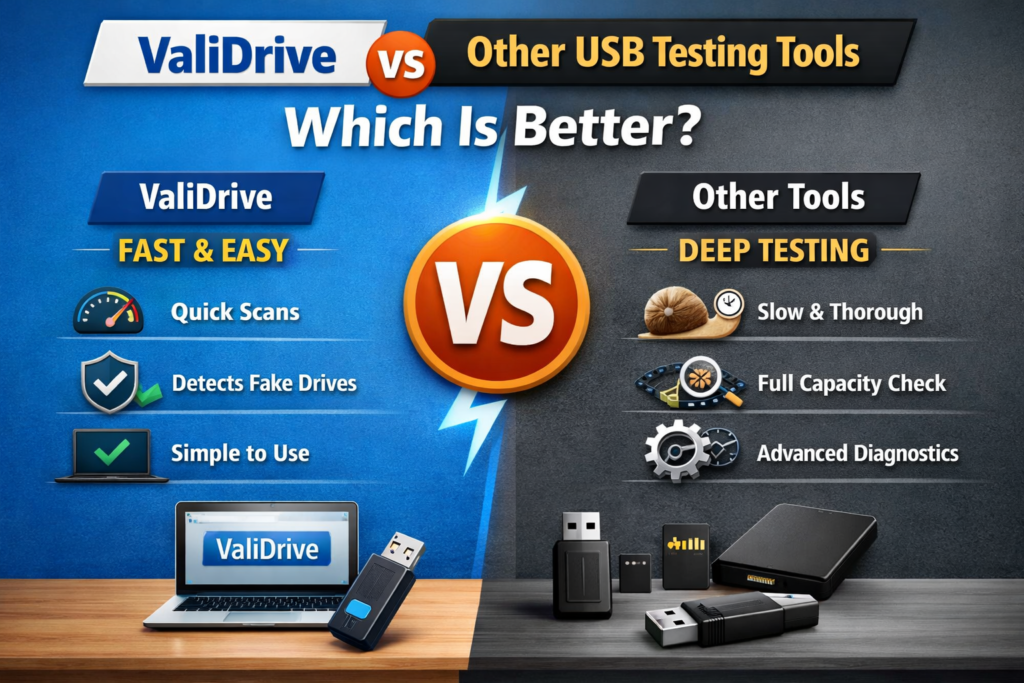
USB flash drives, SD cards, and external storage devices are part of everyday digital life, used for saving documents, backups, media files, and important data. The problem is that many storage devices available online are not always genuine, and some even show fake capacity that leads to data loss without warning.
This is where USB testing tools like ValiDrive become useful. ValiDrive is gaining popularity because it quickly checks whether a drive is real and reliable. In this guide, we will compare ValiDrive with other USB testing tools to understand which option gives better accuracy, speed, and overall performance for safe storage use.
What is ValiDrive?
ValiDrive is a free USB validation tool developed by Gibson Research Corporation (GRC). It is designed specifically to detect fake or misleading USB storage capacity.
Instead of scanning every single byte, ValiDrive uses a smart random sampling method. It writes and reads data at different locations across the drive to verify whether the storage is real or artificially inflated.
If a USB drive claims more space than it actually has, ValiDrive exposes inconsistencies quickly.
Key focus of ValiDrive:
- Detect fake USB flash drives
- Verify real storage capacity
- Identify unreliable or counterfeit devices
- Provide fast and simple testing
What Are Other USB Testing Tools?
There are several popular USB testing tools available today, each with different purposes. Some of the commonly used tools include:
H2testw
A widely used storage testing tool that writes data to the entire drive and verifies it afterward.
F3 (Fight Flash Fraud)
An open-source tool used mainly on Linux and macOS to detect fake storage devices.
Check Flash
A Windows-based tool that performs deep testing of flash drives, including read/write speed and error scanning.
CrystalDiskMark
A performance benchmarking tool that measures read and write speeds of storage devices.
Each of these tools has its own strengths, but they are not all designed for the same purpose.
ValiDrive vs Other USB Testing Tools Comparison
Testing Method
ValiDrive:
Uses random sampling across the drive instead of testing every single sector. This makes it faster while still detecting fake storage effectively.
H2testw / F3:
Writes and verifies the entire storage capacity. This is more thorough but takes much longer time.
Check Flash:
Uses multiple test patterns and full drive scanning.
Result:
ValiDrive is faster, while other tools are more exhaustive.
Speed of Testing
ValiDrive:
Very fast because it does not fill the entire drive.
H2testw / F3:
Slow, especially for large-capacity drives (can take hours).
CrystalDiskMark:
Fast, but only measures speed, not storage integrity.
Result:
ValiDrive wins in speed and convenience.
Accuracy in Detecting Fake Drives
ValiDrive:
Highly effective for detecting fake capacity using smart sampling. Good for quick validation.
H2testw / F3:
Very accurate because they test full capacity, leaving almost no room for deception.
Check Flash:
Accurate but more technical.
Result:
H2testw and F3 are more precise, but ValiDrive is efficient for early detection.
Ease of Use
ValiDrive:
Extremely simple interface, beginner friendly, no technical knowledge required.
H2testw:
Simple but slightly outdated interface.
F3:
Command-line based, less user friendly for beginners.
Check Flash:
Moderate complexity with multiple settings.
Result:
ValiDrive is the easiest tool to use.
System Compatibility
ValiDrive:
Windows only
H2testw:
Windows only
F3:
Linux and macOS (cross-platform via command line)
Check Flash:
Windows only
Result:
F3 is most flexible for advanced users.
Purpose and Focus
ValiDrive:
Focused specifically on detecting fake USB storage capacity
H2testw / F3:
General-purpose storage integrity testing
CrystalDiskMark:
Performance benchmarking only
Check Flash:
Deep diagnostic and error testing
Result:
ValiDrive is specialized, others are general tools
Advantages of ValiDrive
ValiDrive stands out because of its unique benefits:
- Fast testing with minimal waiting time
- Simple interface for non-technical users
- Effective detection of fake USB drives
- Lightweight and portable tool
- No installation complexity
It is especially useful when you want a quick trust check before using a new USB drive.
Limitations of ValiDrive
Even though ValiDrive is powerful, it has some limitations:
- Does not fully test every storage sector
- Not suitable for deep forensic-level analysis
- Only available for Windows systems
- Cannot repair damaged drives
For advanced diagnostics, other tools may still be required.
When to Use ValiDrive
ValiDrive is best used in situations like:
- After buying a new USB flash drive online
- Before storing important backup data
- When verifying suspicious storage devices
- For quick validation of USB capacity
It acts as a first-line defense against fake storage products.
When to Use Other USB Testing Tools
Other tools may be better when:
- You need full drive stress testing (H2testw, F3)
- You want performance benchmarking (CrystalDiskMark)
- You need deep technical diagnostics (Check Flash)
- You work in Linux or macOS environments (F3)
Which is Better: ValiDrive or Other Tools?
The answer depends on your needs.
- If you want speed, simplicity, and quick detection of fake USB drives, ValiDrive is the best option
- If you want maximum accuracy and full storage testing, tools like H2testw or F3 are better
- If you want performance analysis, CrystalDiskMark is the right choice
In real-world usage, many users combine tools:
- ValiDrive for quick check
- H2testw or F3 for deep verification
Conclusion
ValiDrive stands out as a fast and simple USB testing tool designed to quickly verify real storage capacity and detect fake or unreliable flash drives. It is especially useful for users who want an easy way to check a USB drive without spending much time or dealing with complex settings. On the other hand, other tools like H2testw, F3, and Check Flash offer deeper and more detailed testing, which makes them better for full storage verification and advanced diagnostics.